By Neil Nuñez · Director & Producer
“We need a video about our company” is a starting point. It doesn’t tell us who needs to watch it, what they should take away, or whether we’re making one video or a dozen versions. A creative brief gets those decisions out in the open before we build a production around them.
At n2 Productions, some clients and agencies come to us with approved creative. Others need help figuring out what the video should be. Either way, we need a clear understanding of the job. A useful brief gives us enough information to recommend an approach, work out the scope and identify what still needs an answer.
Here’s what I would put in a video production brief, along with a template you can copy and a sample showing how to fill it out.
In this guide
What is a creative brief for video production?
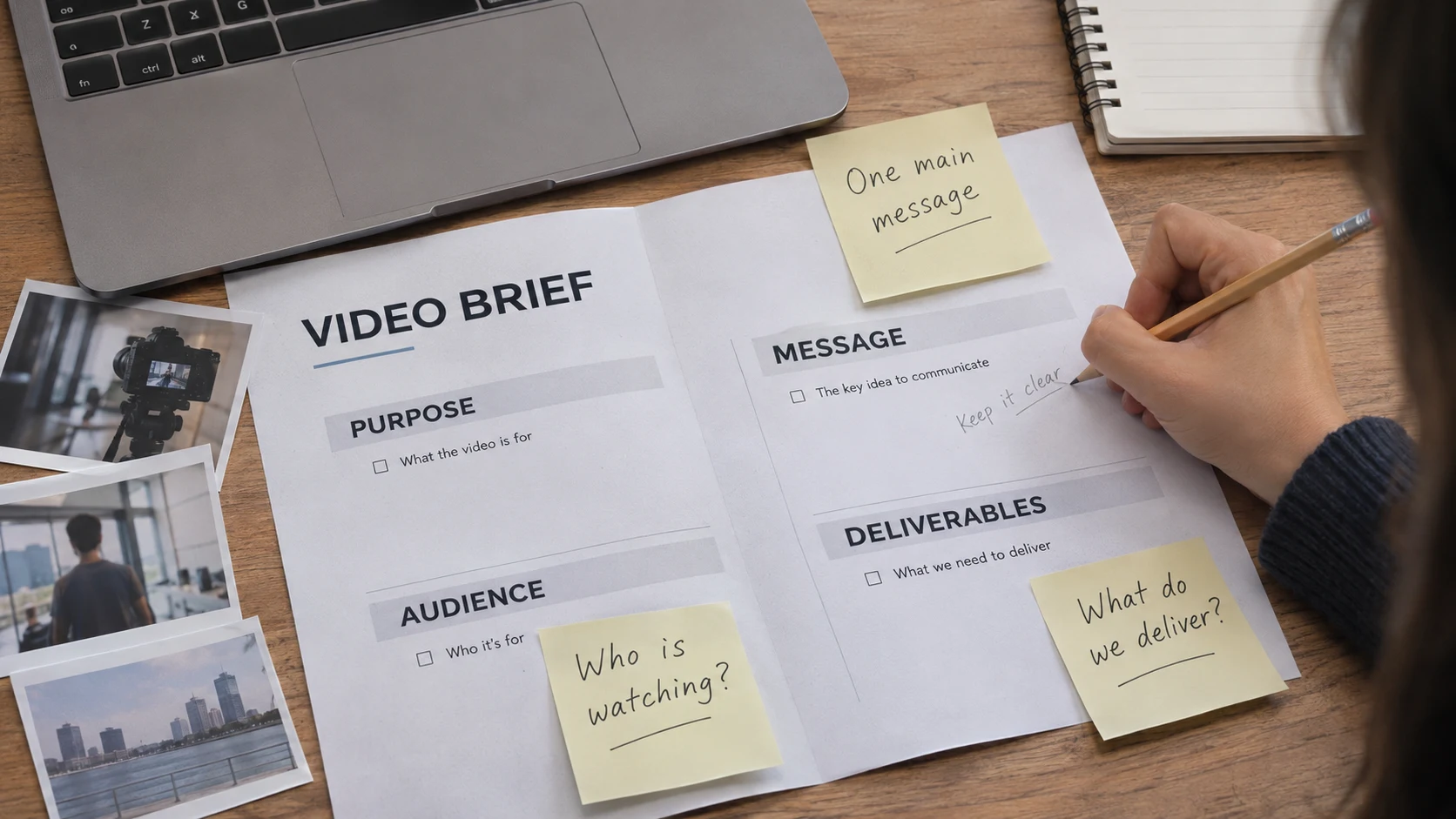
A creative brief is a short working document that defines the purpose, audience, message and scope of a video. It should also identify the budget, deadline, deliverables and people responsible for decisions.
It comes before the detailed production plan. The script works out what is said and shown. Storyboards help describe the shots. A schedule organizes the shoot. The brief gives those documents a direction: what are we trying to communicate, and what does the finished project need to include?
You don’t need polished marketing language to write one. “Customers keep asking how this works, and we need to show them” tells us more than “create an engaging, impactful brand experience.” Be specific about the problem. We can work on how to tell the story.
Make these decisions before planning the shoot
Start with the audience and one main message
Who is watching, and what do they already know? A potential customer seeing your company for the first time needs different information from an employee learning a new process. “Everyone” is rarely useful direction.
Then finish this sentence: After watching, the viewer should understand _____. Supporting details can help explain that point. If every department adds its own main message, the video will probably need a narrower focus or more than one piece.
Include the next step when there is one: book a consultation, request a demonstration, visit a page or follow a procedure. If you plan to measure results, name the measure and who will track it. A brief can define the goal; it cannot promise a number of views or sales.
List the actual deliverables
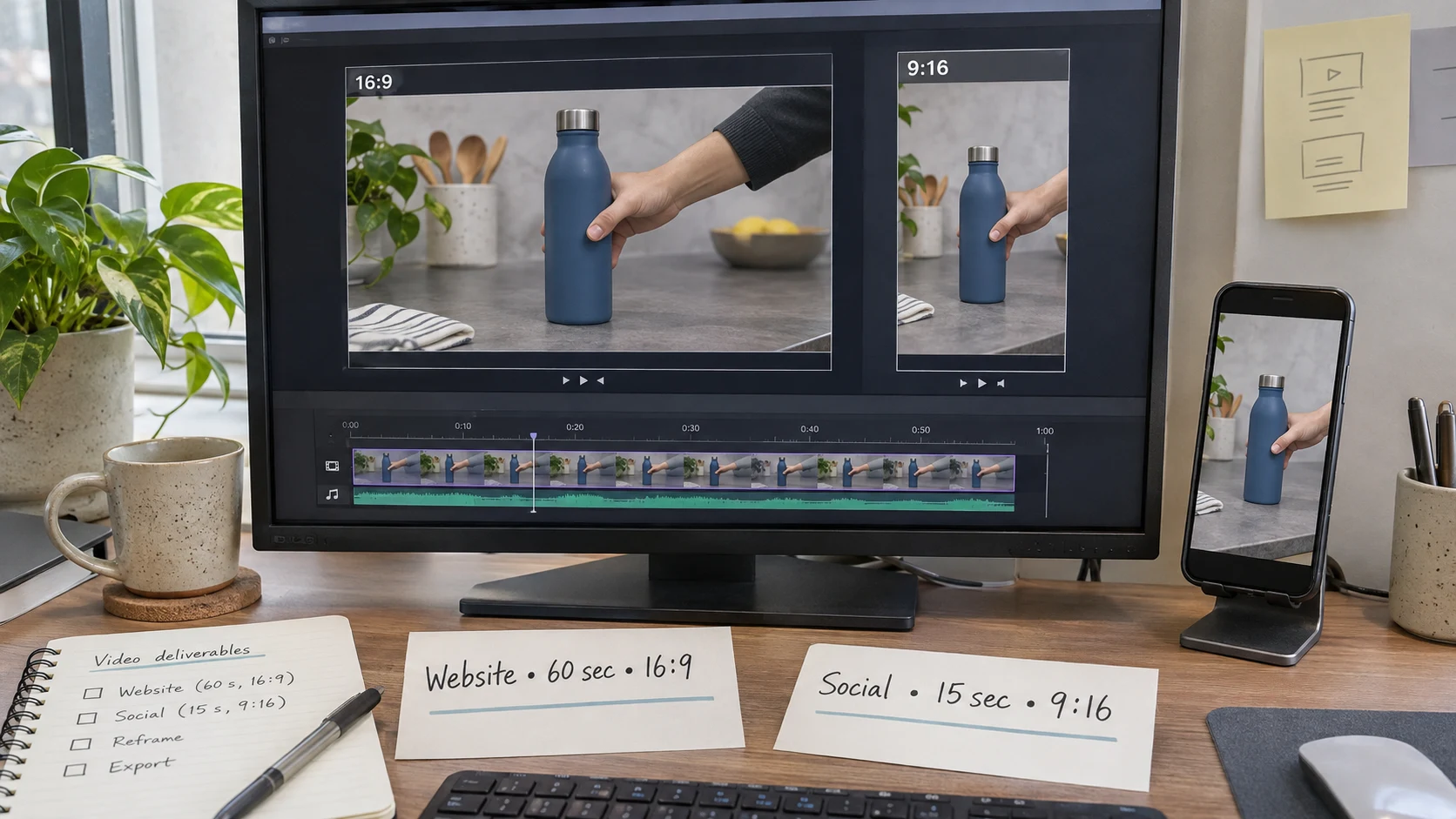
“A video for social” leaves a lot unanswered. List each required length, platform, aspect ratio and language. Include captions, graphics, end cards and any separate versions with different messages or calls to action.
A horizontal website video and a vertical social edit can share footage, but we need to know about both before we frame the shots. A fifteen-second version may need a different opening and a simpler message. It is not always a matter of cutting the longer video in half.
Tell us how the video will be used, including paid advertising, events or internal distribution. That can affect the production approach and the usage needed for talent, music and other assets. Confirm exact delivery specifications with the people receiving the files.
Explain your references
Send a few references and tell us what you like about each: the pacing, the interview style, the lighting, the way the product is demonstrated or the use of graphics. “Make it like this” can mean five different things to five people.
Separate requirements from preferences. An approved product claim or logo treatment is a requirement. A particular camera move may be a suggestion. If there’s something you absolutely don’t want, say that too.
The visual direction also affects the physical shoot. Wardrobe, props, set dressing and casting need to support the same idea. Share brand guidelines, approved language and relevant reference materials early enough for those decisions to be made.

Be clear about the budget and what is available
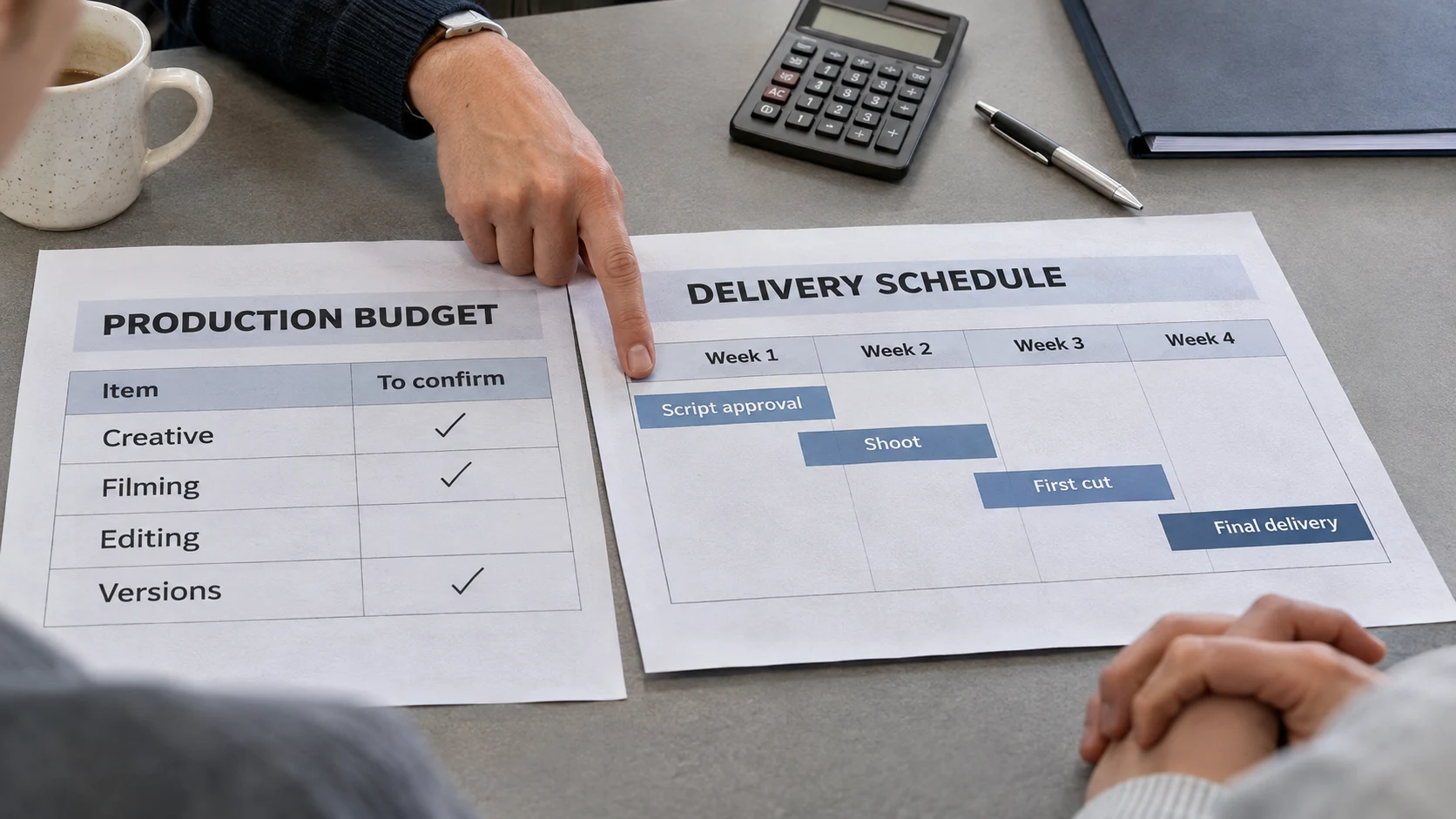
Give a working budget or range, and say what it needs to cover. Creative development, filming, editing, animation, music, talent and additional versions are different pieces of the job. If the budget is still being approved, tell us that.
List the people, locations, products and existing footage you can provide. “We have a location” should come with information about access, noise, space and availability. “Our staff can appear” still requires checking who is comfortable on camera and when they can be there.
A location being available doesn’t mean it is ready to shoot. We may need time and equipment to control the light, record clean sound and create a workable background. Those practical details help us put a realistic plan against the budget.
Decide who handles the work and who approves it
Take an honest look at your team’s availability. Some clients want to handle creative, organize their people and stay involved throughout production. Others need us to carry more of that work. Both can work, but the responsibilities need to be part of the scope.
Name a day-to-day contact and the person who can approve the creative, budget and final cut. If brand, legal or another department needs to review the project, include them in the approval plan. Find out whether they need to approve the script before anything is filmed.
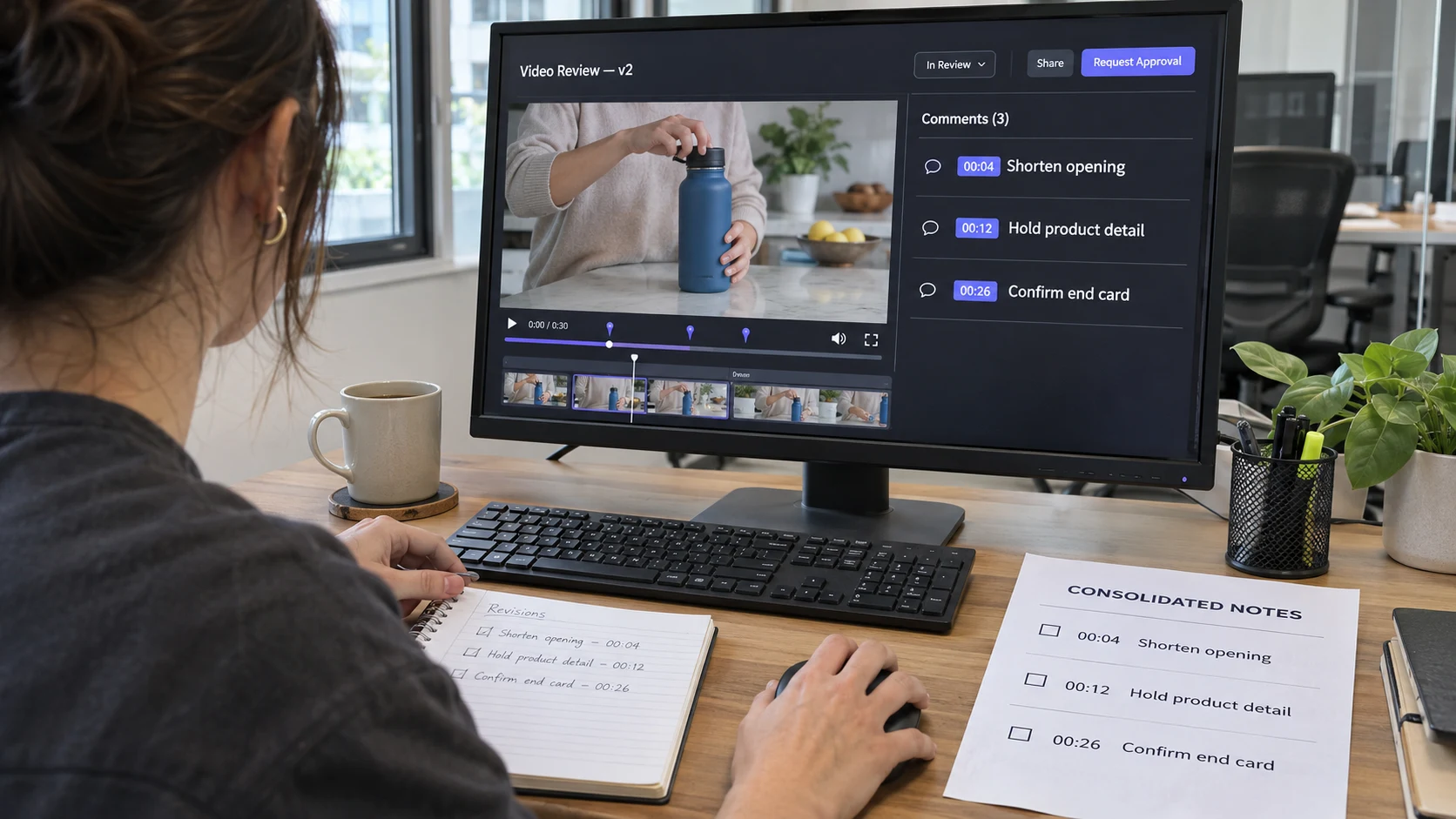
One person should collect internal feedback and resolve contradictions before sending notes to the production team. An editor can make a revision. They cannot decide which of two conflicting instructions from your company is the approved one.
In this short video, I explain why the client-side lead and the team’s actual bandwidth matter before a project is greenlit.
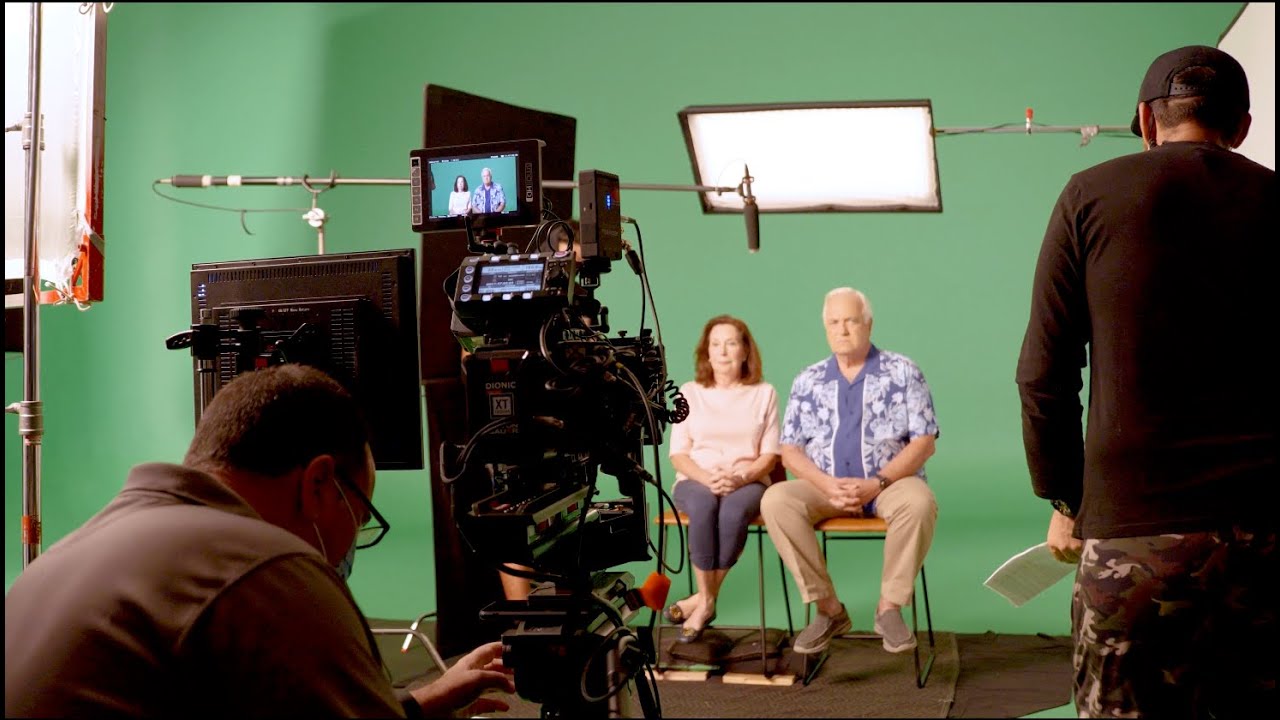
Watch “Who Leads the Shoot on the Client Side?” on YouTube
A video creative brief template you can copy
Copy these fields into a document and replace the prompts with your answers. Link to supporting files rather than pasting your entire brand manual into the brief. If something is undecided, mark it as open and assign someone to resolve it.
Project / version / date:
Project name, brief owner, version number and last updated date.
Purpose:
Why are we making this video now? What problem does it need to address?
Audience:
Who will watch, where will they encounter it, and what do they already know?
Main message and next step:
The one thing the viewer should understand, supporting points, and the action they should take.
Deliverables and use:
Number of videos, lengths, platforms, aspect ratios, languages, captions, graphics, end cards and delivery specifications. Include intended usage.
Creative direction:
Proposed approach, references with explanations, tone, brand requirements, approved claims and things to avoid. Note whether creative is approved or still needs development.
Available people and materials:
Participants, locations, products, footage, photographs, logos and other assets. Include availability and any restrictions on use.
Budget and scope:
Approved budget or working range, what it covers, what the client provides and what the production company needs to handle.
Schedule:
Launch date, required delivery date, availability for filming, review windows and deadlines for client-supplied materials.
Responsibilities and approvals:
Project contact, decision makers, reviewers, who consolidates feedback and who signs off on each stage.
Open questions and success measure:
Unresolved decisions with an owner and due date; how the finished video and any campaign results will be evaluated.
A corporate video brief example
This is an illustrative planning example, not a client case study or a claim about campaign results.
Suppose a company needs to explain a new scheduling tool to office managers. A useful brief might read:
- Purpose: Help prospective customers understand how the tool handles a schedule change before they book a demonstration.
- Audience: Office managers who currently coordinate changes through email and spreadsheets. They know the problem but have not used this product.
- Main message: Show how one schedule change is entered and how the affected team members are notified. Use an approved demonstration account with sample data.
- Deliverables: One sixty-second horizontal website video and one fifteen-second vertical social version, both in English with captions. Confirm export specifications before editing.
- Approach: A brief presenter introduction followed by screen recordings of the actual workflow. Plain language, readable graphics and no unsupported claims about time saved.
- Client supplies: A product specialist, access to the demonstration account, approved interface, brand files and final product wording.
- Production scope: Script development, presenter filming, screen capture, editing, graphics, sound and the agreed versions. Confirm whether the presenter is a staff member or cast talent.
- Budget and dates: Client to provide the approved range and launch date before the approach is finalized. Build in time for the product team to check the demonstration and approve revisions.
- Approval and evaluation: Marketing consolidates notes; the product specialist checks accuracy. The video must clearly show the agreed workflow. Marketing tracks demonstration requests separately after launch.
That gives the production team something to work with. It also exposes decisions that are still open. The same structure works for other projects: a nonprofit might need to explain one program to potential donors, while a recruitment video might need to show candidates what a particular role involves. The audience, evidence and desired next step change with the job.
Use the brief through production and delivery
Build the schedule around approvals
Start with the date the finished files are needed, then work backward through review, editing, filming and preparation. The launch date and the delivery date may be different, especially if another team needs to upload, test or distribute the video.
Put review time on the calendar. A first cut delivered Friday afternoon does not automatically mean a final version will be ready Monday morning. The schedule needs time for people to watch, collect comments and approve the changes. Our client’s guide to the video production process explains what to expect at each stage.
Check the work against the agreed job
Review the concept and script against the brief before production. At the edit stage, check the message, required information, tone and deliverables. That gives feedback a clear basis beyond whether someone happens to prefer a different shot.
If the audience, message or deliverables change, update the brief and discuss the effect on cost and timing. Keep one current version available to everyone involved. A new instruction buried in an email should not quietly become a different project.
Give the editor a usable handoff
If you are briefing an editor on existing footage, include the same audience and message information, plus links to the media, any selects or transcripts, approved graphics and examples of the intended style. Identify missing material and anything that cannot be used.
Confirm who supplies music, voice-over, translations and captions. Agree on the review process and final files, including whether project files or other handoff materials are part of the scope. The editor needs to know the expected result as well as where the footage lives.
Start with what you know
You do not have to solve the entire production before talking to us. Bring us the purpose, audience, required deliverables, budget range and deadline. Tell us what is approved, what is still open and where you need help.
That is enough to begin a useful conversation. We can then work out the creative and production details together, with a clear understanding of what the project needs to accomplish.
Planning visuals in this article are AI-generated illustrations of the concepts discussed.