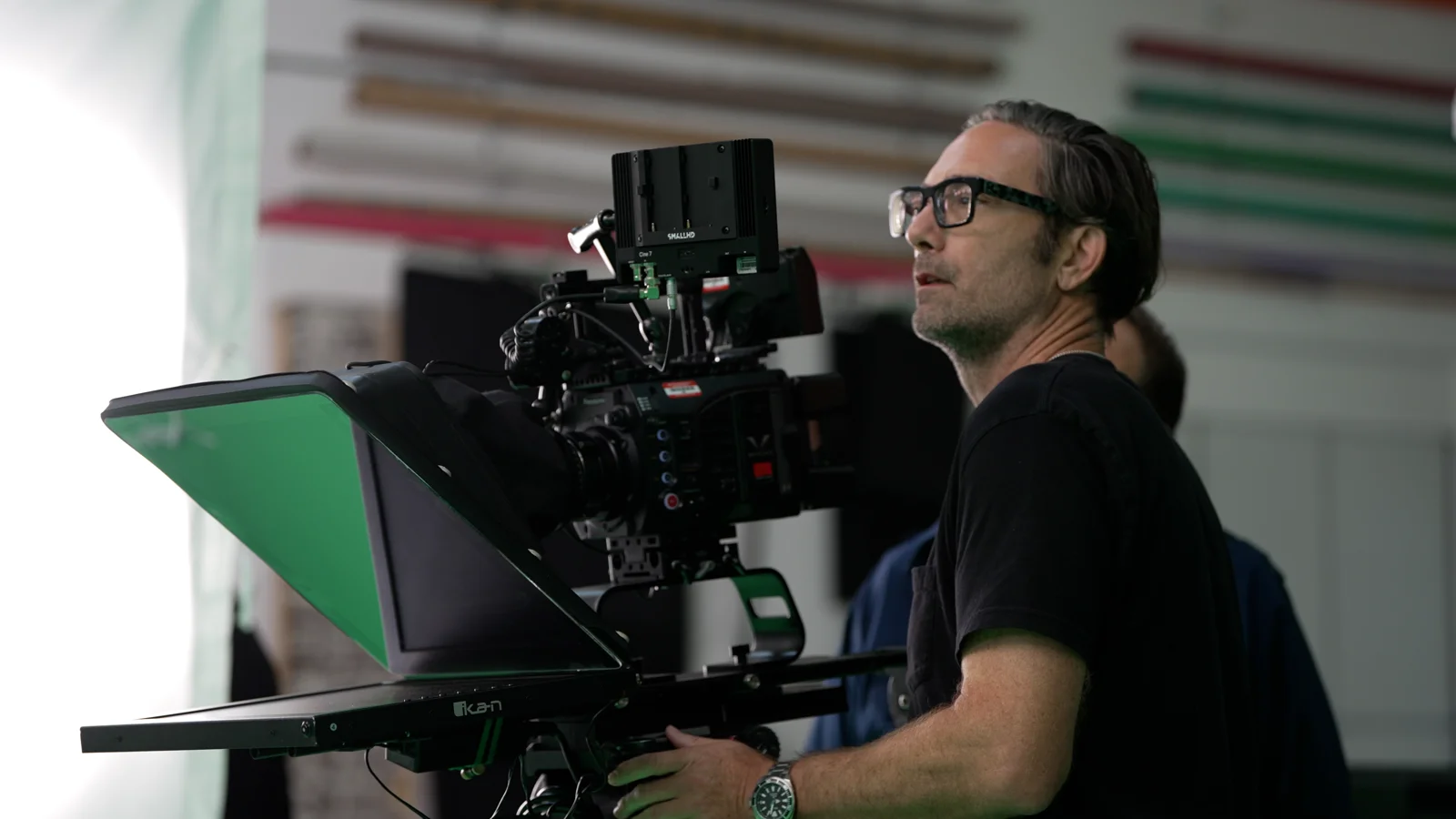
By Neil Nuñez · Director & Producer
Table of Contents
A teleprompter is useful until the speaker pauses and the words keep moving. Someone has to follow the delivery, catch a restart and get the right line back on screen.
That is the main reason to rent a teleprompter with an operator. For a short video you can record again, handling it yourself may be perfectly reasonable. For a live speech, several presenters or a shoot with a crew waiting on the next take, I would plan for a dedicated operator.
At n2 Productions, our teleprompter rental service includes the equipment and an operator. Here is what to consider before deciding which approach fits your production.
What a teleprompter operator actually does
The operator prepares the script for the screen, checks readability with the presenter and works with the camera or stage crew to position the equipment. Font size, line width and reading distance all affect how comfortably someone can deliver the material.
Once the speaker starts, the operator follows. People slow down, take a breath, repeat a phrase or stop to make a correction. On a live stage, they may pause for applause or go off script. A fixed scrolling speed cannot account for all of that.
During a recording, the operator also needs to know where the director wants to pick up. “Back to the paragraph about the new location” should get everyone to the same place quickly. If wording changes, someone needs to confirm which version is approved before it goes on screen.
This is a separate job from watching focus, framing, sound or the performance. Adding it to someone who already has a full job on set can slow both jobs down.
Understanding teleprompters: choose the setup for the job
A camera interview and a speech at a lectern need different equipment. Start with where the presenter will stand or sit, where they should look and how far away the text will be.
Camera-mounted teleprompters
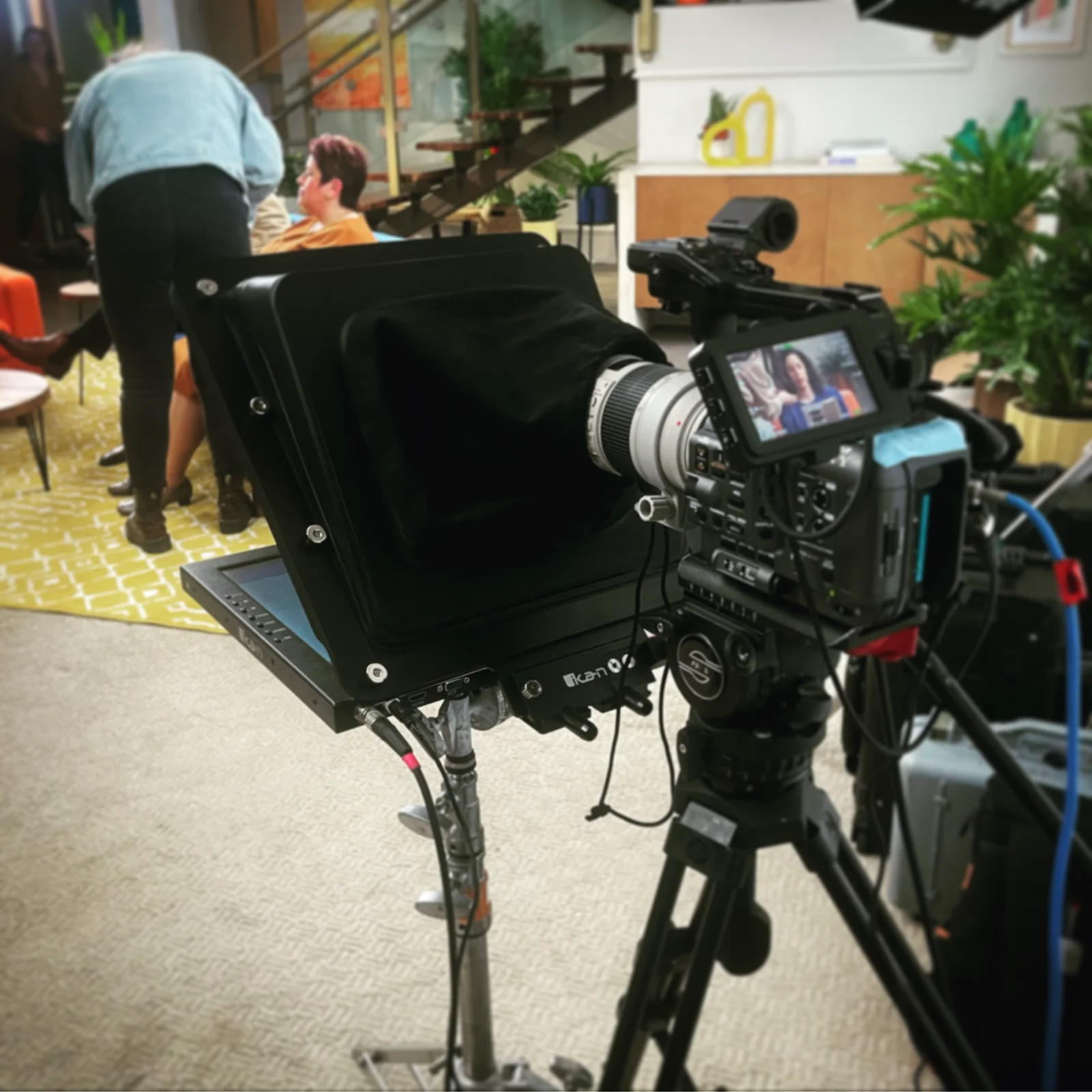
The script reflects onto glass positioned in front of the lens. The presenter reads toward the camera, and the camera photographs through the glass. Autocue explains how the reflective glass works.
The prompter has to fit the camera, lens and support system. Check the intended framing, especially with a wide lens, and leave room for the hood, monitor and cables. A small tablet setup that works at a desk may be difficult to read from a presenter’s mark across a room.
Presidential teleprompter rental for speeches
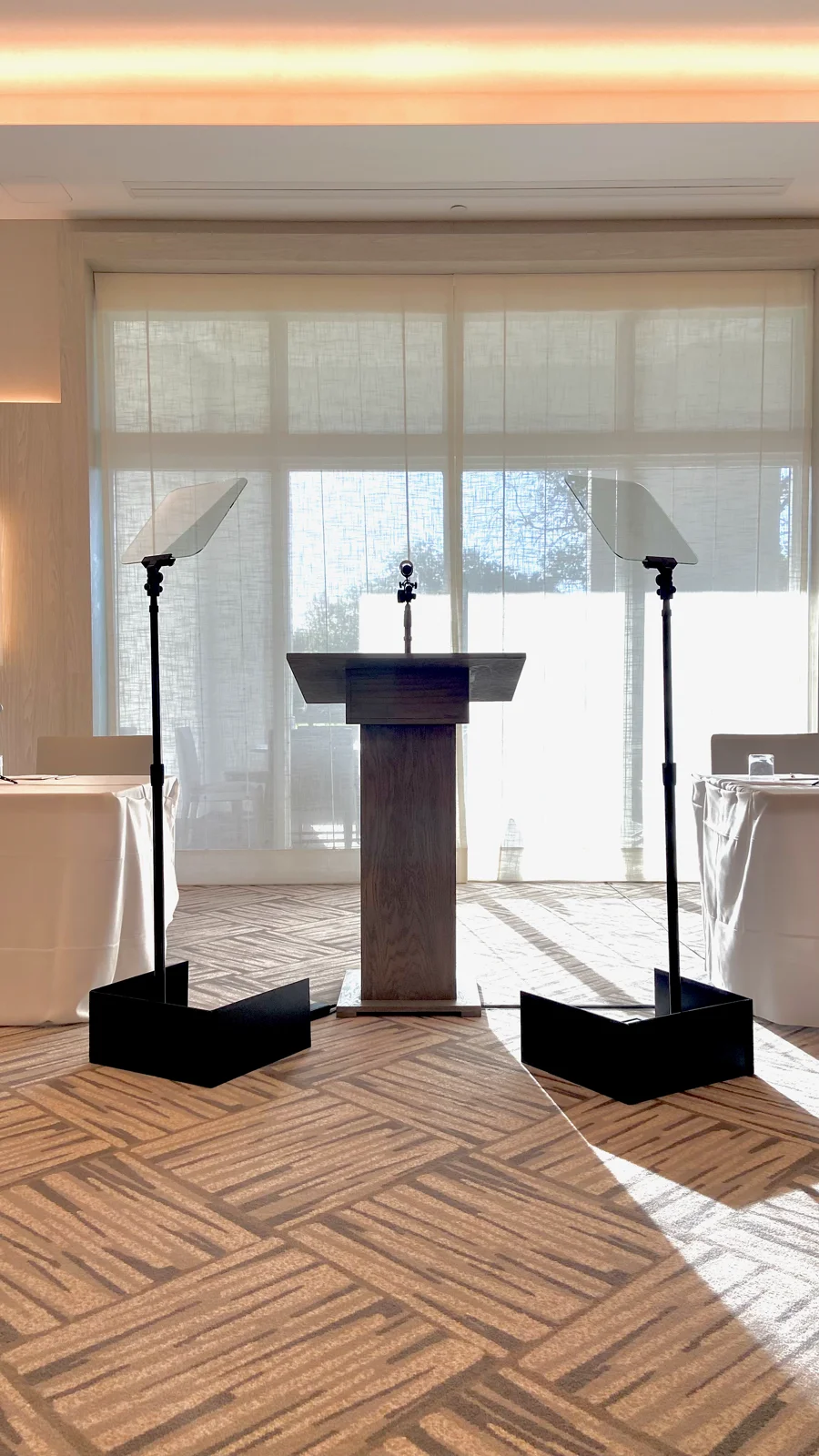
A presidential setup typically uses two glass panels on stands, one on either side of a lectern. Monitors below them reflect the script into the glass. The speaker reads the panels at eye level and can look between the two sides of the audience.
The glass height and angle need to suit the person speaking. If several people will use the lectern, tell the provider in advance and allow time to work out those adjustments. Confirm the lectern position, stage lighting, audience sightlines and room for the stands before the event.
For this type of rental, I would include an operator and a rehearsal. The speaker needs to get comfortable looking between the panels, pausing and returning to the script. The operator needs to hear the delivery and follow those changes. A rehearsal should include the actual stage position, not just a read-through on a laptop.
Floor confidence monitors
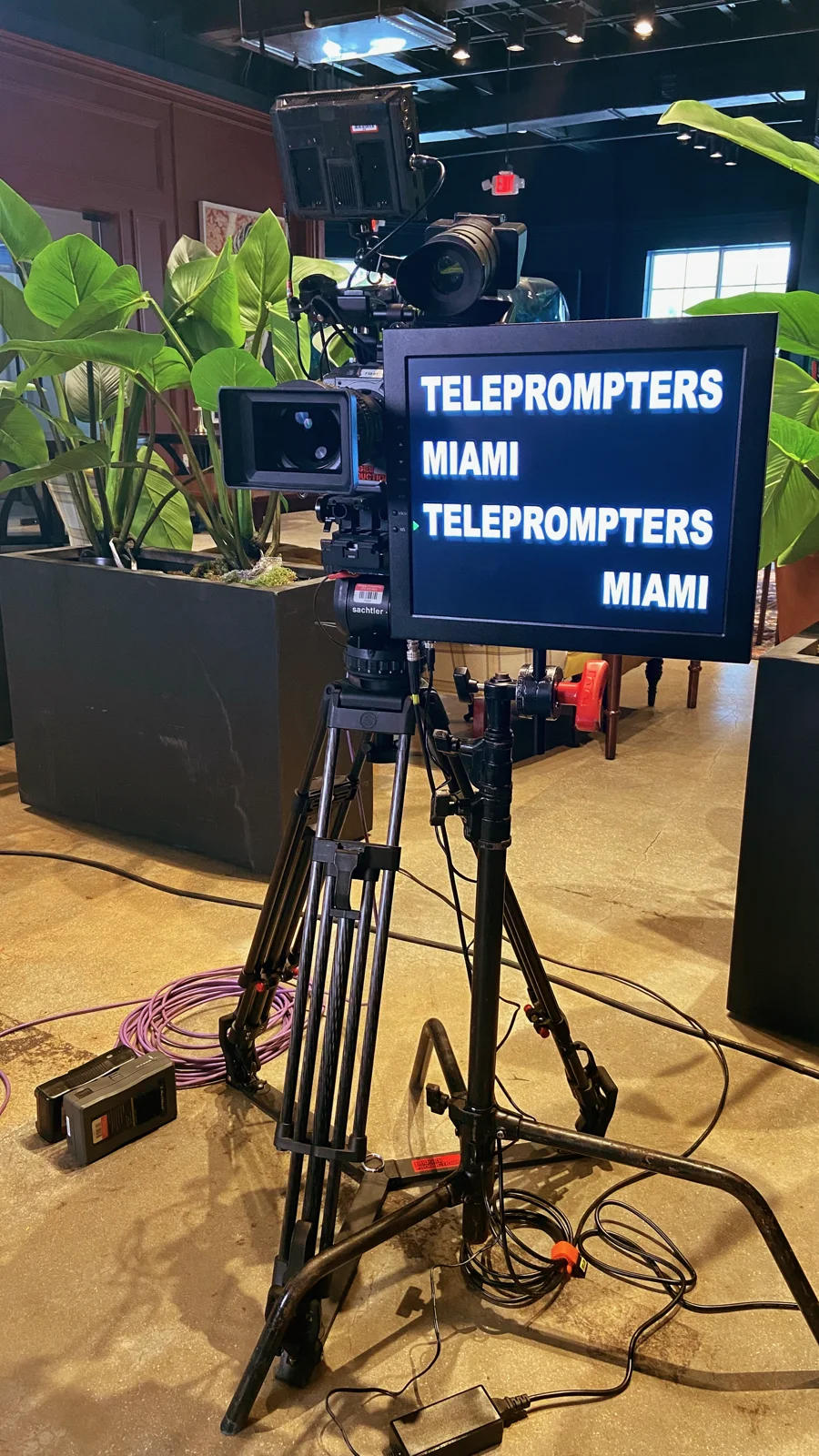
A confidence monitor is a screen facing the presenter, often near the front of the stage. Depending on the system, it can show a script, notes or slides. The presenter reads the screen directly; it does not use the pair of eye-level glass panels in a presidential setup.
Check what will appear on the monitor and who controls that feed. Also check the presenter’s eyeline. A screen positioned too low can make someone look down throughout the presentation.
Wireless teleprompters for moving cameras
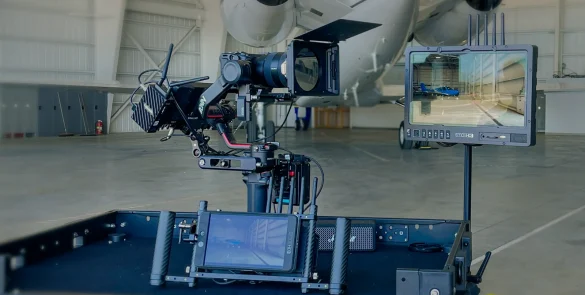
When the camera needs to move, a wireless teleprompter setup can carry the script signal to a monitor on the rig. Plan it with the camera crew so the prompter, power and support work with the move. The operator still follows the presenter, and the move still needs a rehearsal.
When DIY makes sense—and when to hire an operator
The useful question is how much the production depends on getting through the script without stopping to manage the equipment.
- A short recorded video with time for retakes: A familiar tablet or self-operated system can work. Test the controls and record a sample before committing to the full script.
- A regular presenter using the same setup: DIY becomes more practical when the person already knows the software, reading distance and controls.
- A live speech or presidential setup: Include an operator who can follow pauses, skipped lines and changes in delivery. There is no second take for the audience.
- Several speakers, frequent revisions or a tight shoot schedule: Give one person responsibility for the prompter and the current script. That keeps the camera crew and director focused on their work.
Operating it yourself can save a labor charge, particularly if you already own suitable equipment. It also makes you responsible for setup, compatibility, power and troubleshooting. If you are renting equipment without an operator elsewhere, confirm exactly what comes with it and how you will control the script.
Compare that saving with the rest of the day. A crew waiting while someone learns the software is still on the clock. An operator adds a cost and needs to be booked, but can be a sensible part of a production budget.
Prepare the script and rehearse the delivery
Read the script out loud before sending it. A sentence that looks fine in a document can be awkward to say. Break up long sentences, spell out unfamiliar pronunciations and make stage directions clearly different from spoken words.
Send an editable, approved version in advance. Identify who can approve changes and keep one current copy. If the presentation includes more than one language, discuss that when booking so the operator can follow the material.
Rehearse from the actual reading position. Adjust the text size and line width for that presenter, then record a short test if this is a camera shoot. Watch for eyes scanning across the screen or a delivery that sounds like someone is reading a document.
The speaker should set the pace. Pause where the thought needs a pause and let the operator follow. For a recording, agree on how to stop and restart a line. For a live event, agree on what happens if the speaker leaves the script or the display fails. Keep an accessible copy of the approved remarks as part of that plan.
Finding the right teleprompter service
Give the provider enough information to quote the actual job:
- The date, venue and whether this is a recording, livestream or live speech.
- The camera setup or stage layout, reading distance and any camera movement.
- The number of presenters, languages and approximate script length.
- Load-in, setup, rehearsal and operating times—not just the time the presenter starts speaking.
- Any outdoor conditions, access restrictions or coordination needed with the venue’s AV team.
Ask whether the quote includes the operator, prompter, laptop, software, setup and rehearsal. Confirm travel and overtime terms, how script revisions will be handled and what backup arrangements are available. If you are comparing providers, ask about experience with your type of shoot or event.
Our teleprompter rental service in Miami and South Florida always includes an operator. Book it on its own or as part of a larger n2 production; we do not offer equipment-only hire. Send us the date, location and what you are recording or presenting, and we can work out the setup and schedule with you.