By Neil Nuñez · Director & Producer
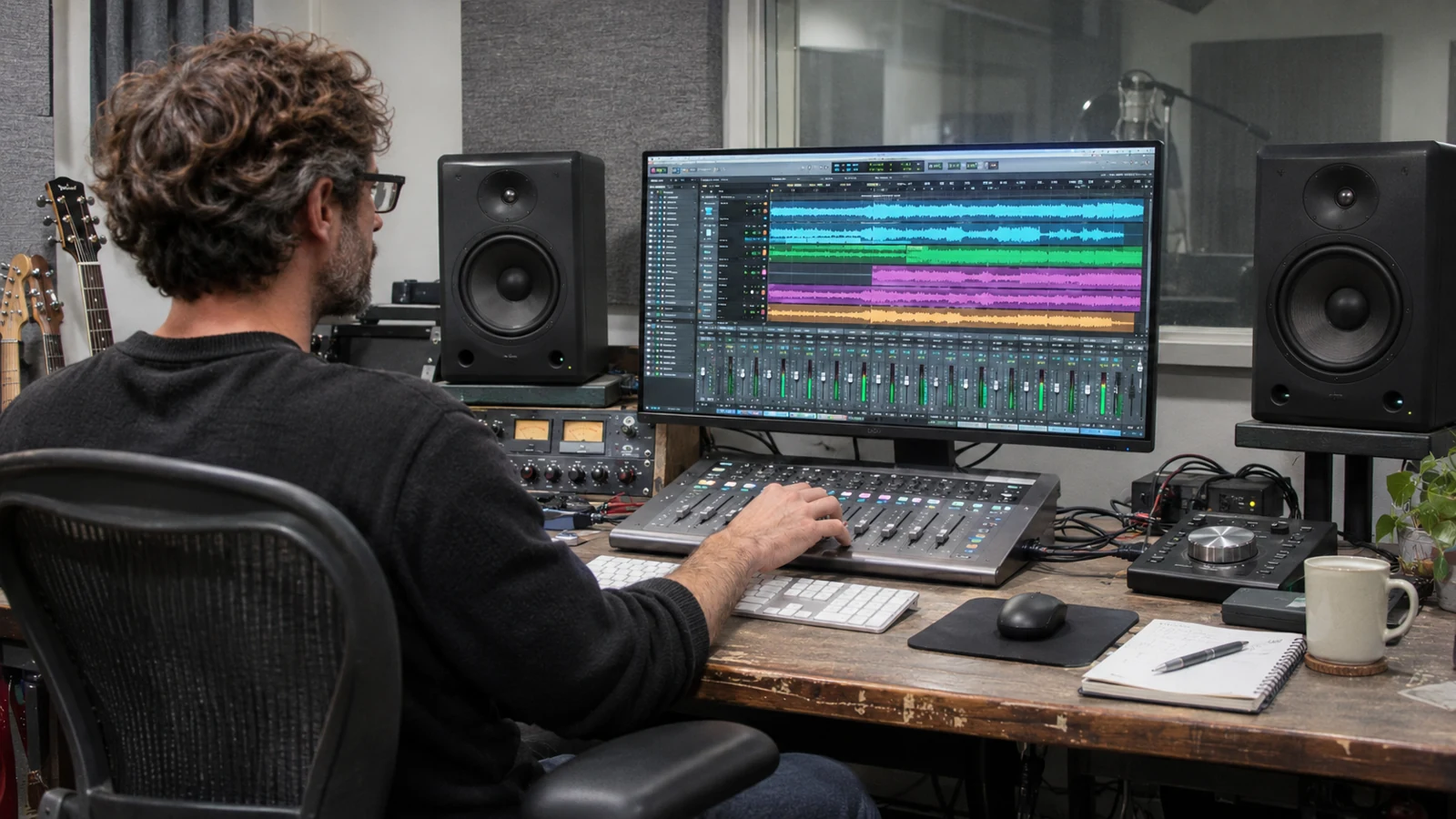
Header image: AI-generated recording-studio illustration.
Finding a track you like is only part of choosing music for a commercial. It has to fit the story, leave room for the voice and land at the right moments. And if it comes from a stock library, the same track can turn up in somebody else’s advertising—including a competitor in your own market.
You can put two different pieces of music under the same footage and end up with two very different videos. One track makes a scene feel warm and relaxed. Another makes it feel urgent. A third gets in the way of everything the person on camera is trying to say.
That is why music selection is part of the edit. The question is whether the track helps this particular video: its message, its pace, its performances and the audience it needs to reach. Liking a song on its own is only the beginning.
For a commercial or branded video, there is also a practical question to answer early: can we license it for the ways the client plans to use the finished piece? It makes little sense to build an edit around music that cannot go into the campaign.
In this article
What music does for the video
Music gives the audience a sense of how to read a scene. It can carry energy between shots, make a transition feel natural, build anticipation or let a quieter moment settle. It also creates expectations. If the music promises a dramatic reveal and the picture never delivers one, something feels wrong even when the viewer cannot explain why.
In a healthcare piece, a personal interaction may already carry the emotion. A large orchestral swell can push it too far. In a playful commercial, a heavy, serious track can work against the idea. The picture and performance should guide how much the music needs to do.

Music can help a video hold attention by giving the sequence movement and a coherent tone. It does not guarantee better engagement, more shares or stronger sales. If the message is unclear or the opening takes too long, a more energetic track will not solve that.
Sometimes the useful choice is less music
A pause, a breath or a sound from the location may be more effective than another musical cue. Try taking the track out for a moment. If the scene becomes clearer or more believable, that tells you something.
Music, dialogue, voice-over and sound effects all share the same space. Deciding which one leads at a particular moment is part of audio and music production, not a level adjustment to leave until the last export.
Choose the track for the job it needs to do
Before searching a library, describe the intention in plain language. “Warm but not sentimental,” “steady energy under an explanation,” or “playful without turning the scene into a joke” gives you a more useful starting point than “something cinematic.”
Consider the brand and the setting without reducing the audience to a genre stereotype. An older audience does not automatically need jazz. A technology company does not automatically need electronic music. Listen for whether the track belongs with the people, pictures and message in front of you.
Listen beyond the first few seconds
A track may open beautifully and then introduce a vocal, a busy melody or a percussion change that competes with the narration. Listen to the whole arrangement. Look for sections that give the edit somewhere to go, and an ending that can land cleanly.
Instrumental music is often easier to place under speech, but instrumental does not mean unobtrusive. A prominent piano line or guitar part can demand as much attention as a singer. Try the candidate track under the actual voice-over or interview before deciding.
Stock music is convenient. It is also available to everybody else.
Stock libraries give us a lot to work with. We can search by mood, genre or instrumentation, audition several tracks and find something that fits the budget. Alternate mixes and stems—the separate groups of instruments in the mix—can make a track more useful in the edit.
But spending hours finding the right piece does not make it yours. Another advertiser can license it too. That is the tradeoff I talk about in this video, along with the difference between finding music that roughly follows a spot and having music written for it.
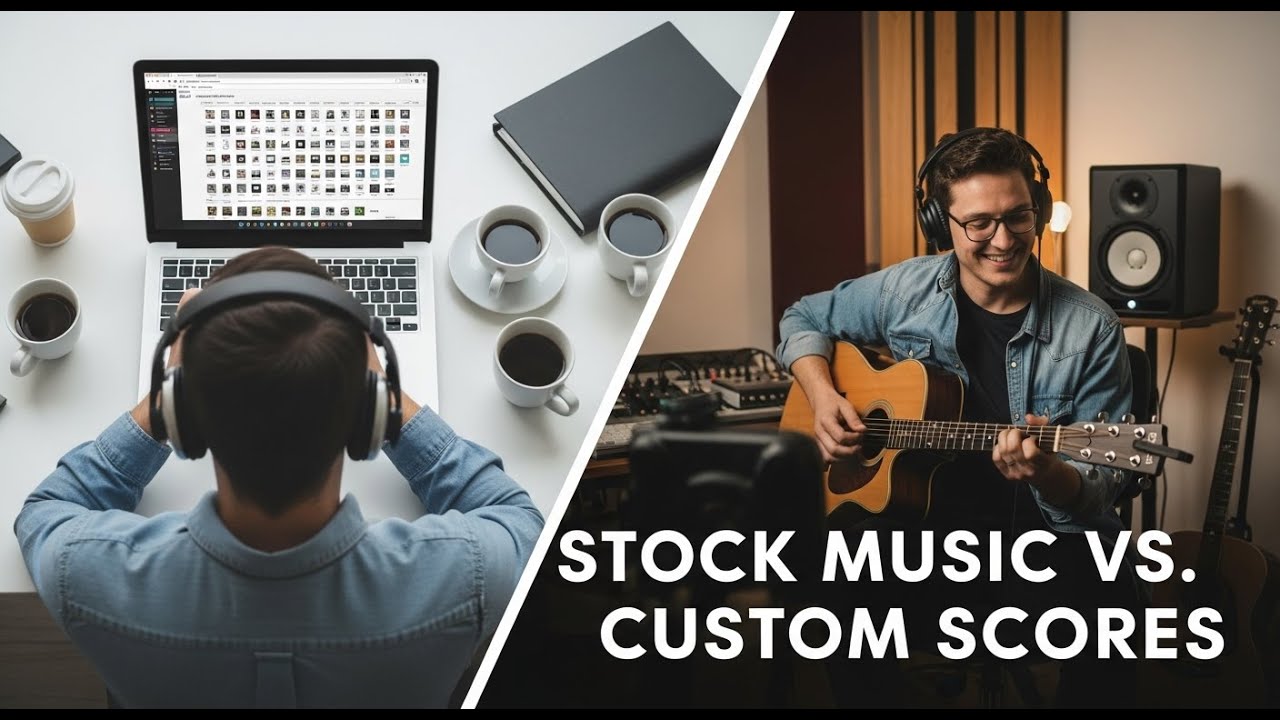
I explain the tradeoffs between stock tracks and music composed for your spot. Watch on YouTube.
What a composer can do that a library search cannot
With original music, we can tell the composer where the important moments are. Maybe a scene needs strings to come in as the feeling changes. Maybe a drum hit needs to land with an action. Maybe the music needs to pull back for a line, then resolve with the final picture. Those decisions can be built into the composition.
We try to find those connections in stock music too. Sometimes a track lines up beautifully. More often, we have to compromise: move an edit, borrow a section from later in the track or accept that the musical change happens a little earlier than we wanted. A custom score gives us more control over that relationship.
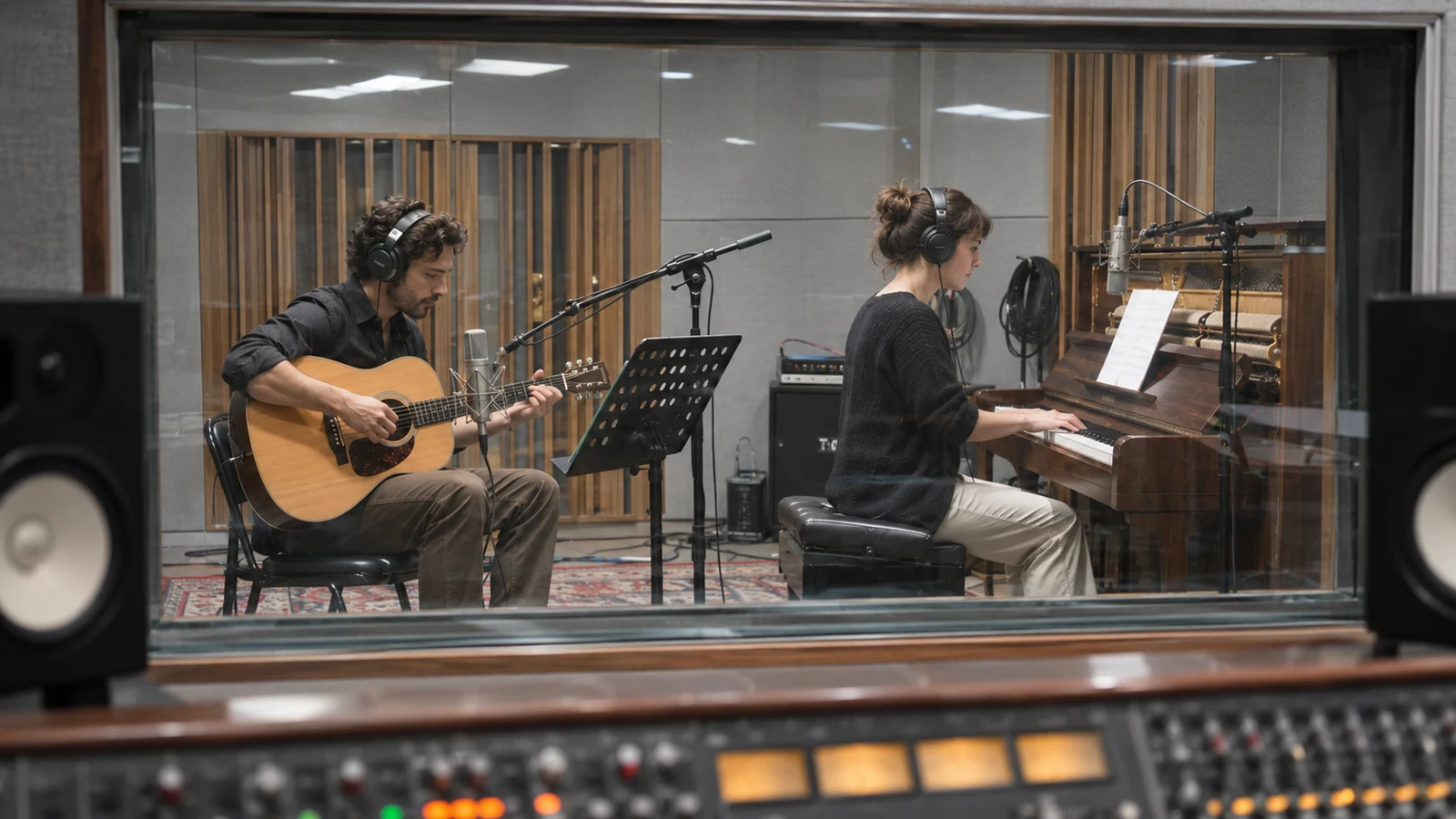
If the budget allows, original music is worth discussing early. It gives the campaign a piece written for its idea, rather than a track selected from the same library everyone else is searching. Agree on any exclusivity and usage rights in writing; commissioning a score by itself does not settle those terms.
Give the composer a clear cut or timing reference, the intended mood, the moments to emphasize and every delivery length. Agree on revisions, alternate mixes, stems and final files before work starts. A composer needs time to develop the piece, and a late change to the picture can mean more work on the music.
If a particular artist or song matters to the concept, explore availability and cost early. A temporary favorite can become difficult to replace once everyone has watched the cut with it twenty times.
Edit the music to picture, and the picture to the idea
A track’s tempo gives the edit a rhythm, but you do not need to cut on every beat. An important look may need to hold across several beats. A fast sequence may need a brief pause to let the viewer register what just happened.
Listen for musical phrases and changes in the arrangement. Those often give you better places to move into a new section than an arbitrary point on the timeline. Build toward the moments that matter instead of making every shot compete for an accent.
Give the ending enough time
A three-minute music track rarely fits a 30-second commercial without work. Find a beginning, a useful middle and a finish. The final chord or musical accent should support the closing picture and call to action, rather than get cut off because the spot ran out of time.
When shortening a track, listen across the edit. The rhythm may line up while the harmony or instrument arrangement jumps. A crossfade can hide a small seam, but it cannot make two incompatible phrases sound intentional. Use alternate versions or stems where available, and make sure the license permits the planned edits.
Plan each delivery length
A 15-second version is its own edit. It may need a different musical entry point and a different route to the ending. The same applies to a six-second cut or a longer web version. Check the opening and finish of every deliverable instead of trimming the master and assuming the audio still works.
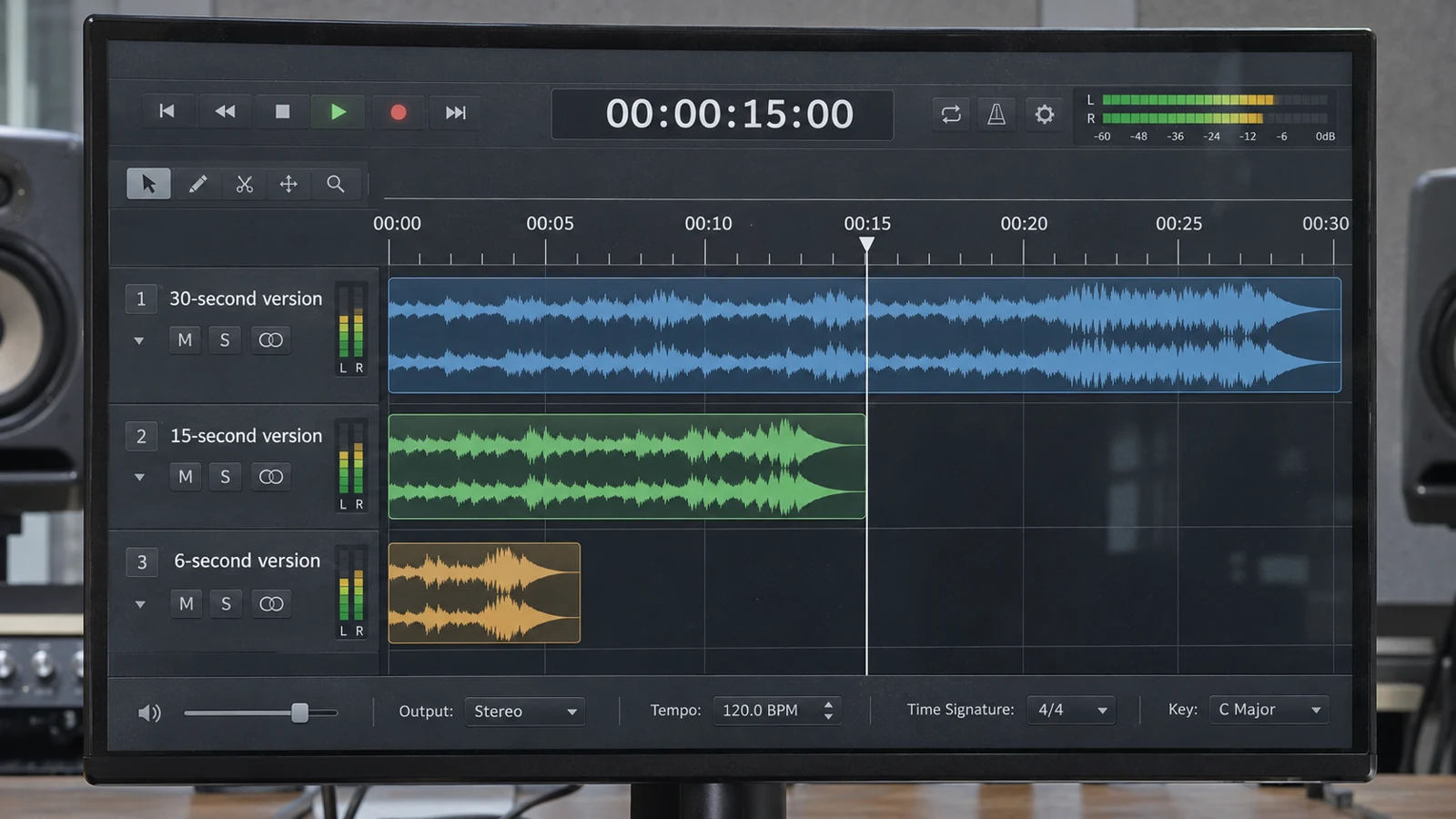
For English and Spanish versions, listen against each voice-over. A pause or emphasized phrase may fall in a different place. The track can remain consistent across the campaign while its edit and level changes follow each performance.
If the concept depends heavily on timing, test it in an animatic. Rough pictures, a temporary read and a music direction can reveal that the idea is overcrowded before the shoot.
Review the soundtrack in the actual cut
Compare a small shortlist against the same sequence. Listen at similar perceived levels; a louder track can seem more exciting simply because it is louder. Include the dialogue and the important effects. You are evaluating the combination, not holding a music audition in isolation.

Keep the review specific. “The percussion distracts from the opening line” gives the editor something to fix. “It needs more energy” could mean a faster track, a stronger arrangement, a tighter picture edit or a clearer opening. Work out which problem you are hearing.
Leave room for the voice
The viewer should not have to work to understand the words. Adjust music levels through the piece, particularly where a voice becomes quieter or the arrangement gets busier. Volume automation, selective equalization and alternate mixes can help, but sometimes another track is the cleaner solution.
Avoid having the music pump up and down after every short pause. The changes should feel like part of the scene. Let it rise where there is room and settle where the words need attention.
Check more than the studio speakers
Listen on headphones and on a phone or ordinary laptop speakers as well. A mix that sounds spacious on a good monitoring system may lose detail on a small speaker. Check that the voice stays clear and that the important musical changes still register.
For broadcast or other specified deliveries, follow the destination’s audio requirements. Do not assume that one loudness setting or file format covers every outlet. Keep dialogue, music and effects organized separately in the project so revisions do not require rebuilding the soundtrack.
Music licensing: clear the song and the recording
In U.S. copyright law, the underlying composition and a particular sound recording are separate works. For ordinary commercial use of an existing recording in a video, clearance generally involves synchronization rights for the composition and master-use rights for the recording. One authorized library may supply both, but permission from one rights holder does not automatically cover the other. The U.S. Copyright Office explains these audiovisual licensing rights.
Royalty-free does not mean unrestricted
In a royalty-free model, the permitted uses do not incur a new fee to the music licensor each time the music is used. The agreement still defines those permitted uses, and performance rights can be separate. PremiumBeat explains that distinction in its royalty-free guidance.
“Royalty-free” is not a promise of free music, unlimited projects or every kind of advertising use. Read the actual license. Products can distinguish personal work, client work, online distribution and broadcast, and may set other limits. PremiumBeat’s license comparison is one example of why the plan and intended use matter.
A subscription payment by itself does not tell you whether a particular client campaign is covered. Confirm which projects can be registered or published, what happens when the subscription ends, and whether later versions or new campaigns require additional licensing.
Creative Commons and public-domain music
Creative Commons music still comes with conditions. Check commercial-use permission and attribution requirements. A NoDerivatives license does not authorize distributing a video that synchronizes the music to pictures without separate permission; a NonCommercial license does not cover a commercial advertising use. See Creative Commons’ guidance for video.
A public-domain composition does not automatically make a modern recording of it public domain. Check the particular recording as well as the music being performed. The Copyright Office’s distinction between compositions and recordings is important here. “It’s an old song” is not enough information to clear a track.
Platform music needs its own check
Do not assume that a track available inside a social app is cleared for the client’s other channels, paid ads or broadcast campaign. Check the terms for the specific music and use. Even within YouTube’s Audio Library, attribution requirements vary by license.
Confirm the campaign’s use before delivery
Before choosing the license, get a clear distribution plan from the client or agency. “It’s for social” leaves too much unanswered. Is it an unpaid post, paid advertising, a client channel, a partner channel, or a campaign that will also run on television?
| Confirm | What the production needs to know |
|---|---|
| Client and project | Who is using the video, and which campaign or production the license covers. |
| Media and placement | Web, organic social, paid advertising, broadcast, streaming, events or other intended outlets. |
| Territory and term | Where the campaign will run and for how long, including any renewal needs. |
| Versions and later use | Shorter cuts, languages, related deliverables and whether a future campaign needs another license. |
| Documentation | Track title and ID, license, receipt, terms, attribution and any written clarification from the licensor. |
If a term is unclear, get it clarified before delivery. Broadcast or public exhibition can also involve performance-rights responsibilities and cue-sheet requirements; confirm those with the licensor and outlet. For a rights question that the provider cannot resolve, use a qualified music-clearance professional or attorney.
Keep the paperwork with the project
Save the license and the version of the terms that applies to the purchase. Record which track went into which deliverables. If a client later asks to reuse an edit in a new campaign, the production team should be able to check the rights without reconstructing the original job.
YouTube’s Content ID can identify music and lead to a claim that blocks, monetizes or tracks a video. YouTube explains how that system works. Keep proof of the license and follow the provider’s clearance process if a validly licensed track triggers a claim. A successful upload is not a substitute for checking the rights.
New tools still need a clear creative brief
Search tools can help us describe a feeling and get to suitable tracks faster. They do not make a shared library track exclusive, or guarantee that its musical changes will line up with the picture. More ways to search, rearrange or generate music do not remove the need to listen to it against the edit. If you are evaluating an AI music tool, check its current commercial-use terms, the client’s requirements and what documentation it provides. Do not promise exclusivity or unrestricted rights without a basis for that promise.
For immersive formats, the delivery format and playback environment need to be part of the sound brief from the start. For an ordinary commercial watched on a phone, a clear voice and a well-judged music edit are more useful than adding complexity the audience will never hear.
At n2 Productions, the aim is to make the finished video work as a whole. Bring the creative brief, the planned outlets and any music references into the conversation early. That gives us a useful starting point for the sound, the edit and the licensing scope.